The generators render Unicode client-side; paste results are checked against the platforms listed on the matrix (last pass July 28, 2026). Recurring patterns in those notes:
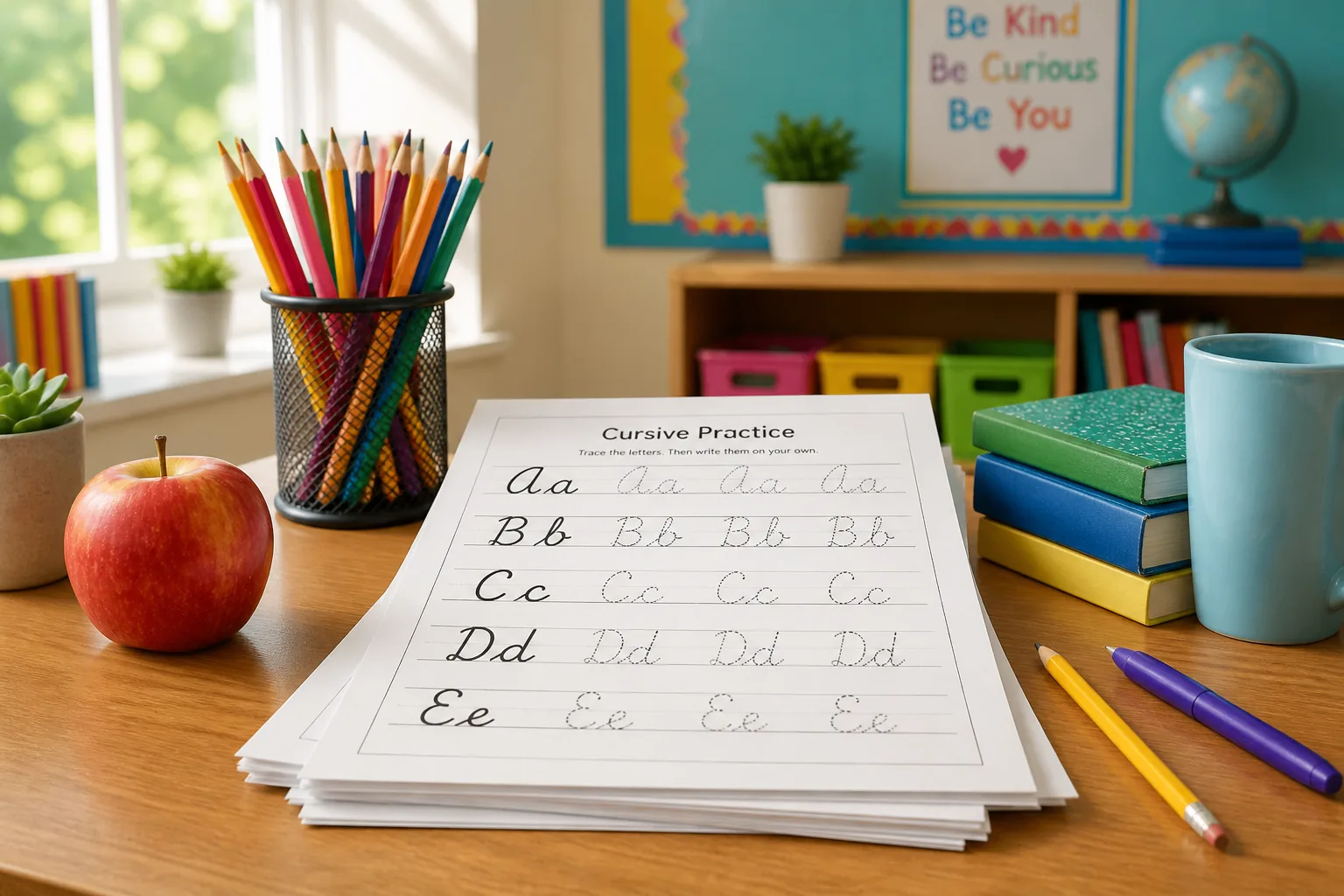
Enable lined paper and margins above, type practice sentences, export PDF, print. For dedicated practice sheets, use the worksheet generator.
Self-hosted web fonts render in the browser; PNG/PDF capture uses html2canvas and jsPDF on demand (loaded only when you click export). Your text never leaves your device.
That is why image export is the reliable path for print, classrooms, and design — and why social bios should use Unicode instead.
Is this a cursive translator or converter?
It converts plain letters into cursive-style Unicode or handwriting images — it does not translate between languages. Think “cursive text converter” for English (and other Latin letters), not Google Translate.
Is CursiveGen free?
Yes — free for personal and commercial use. No fees, no signup, no watermarks.
What is a cursive generator?
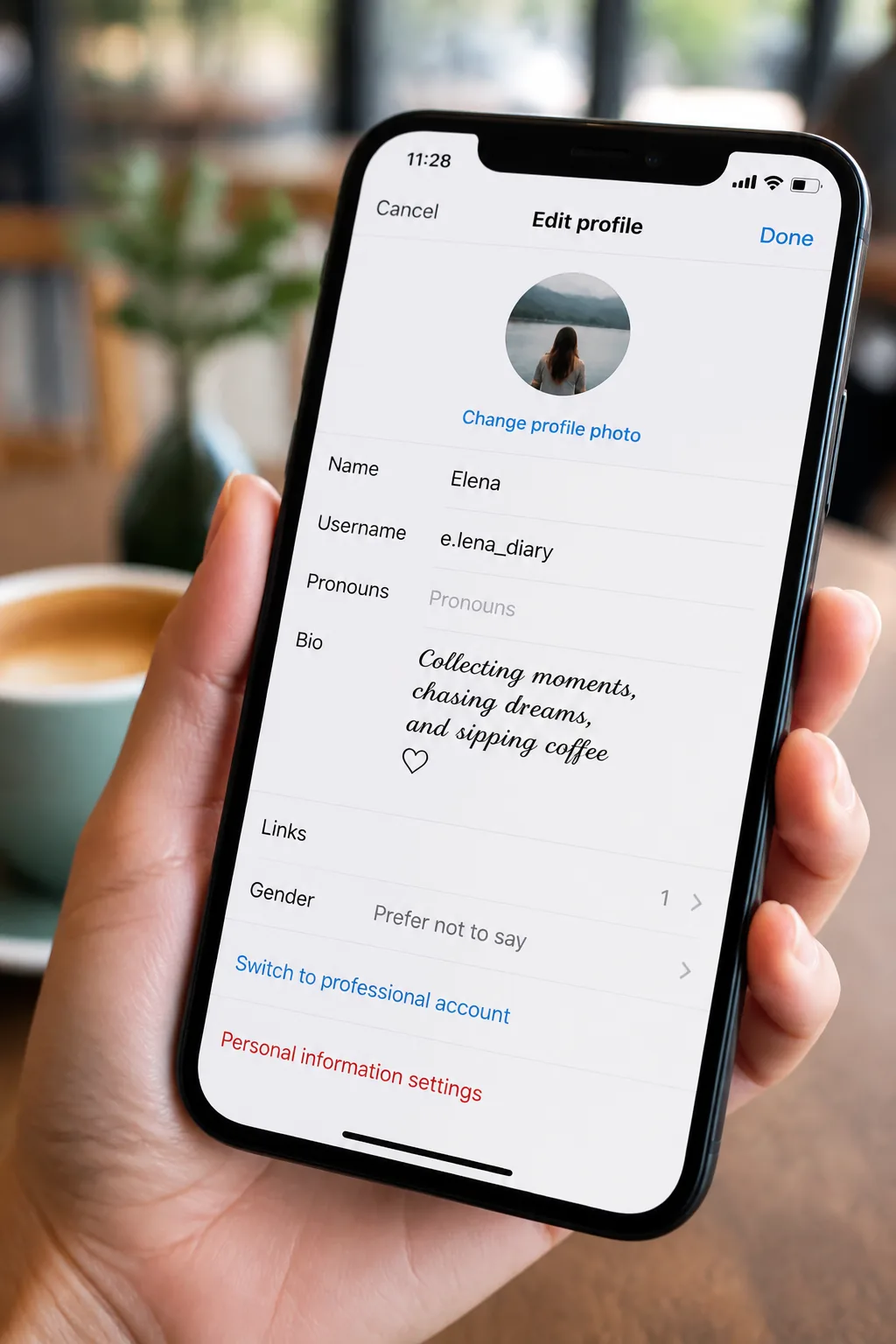
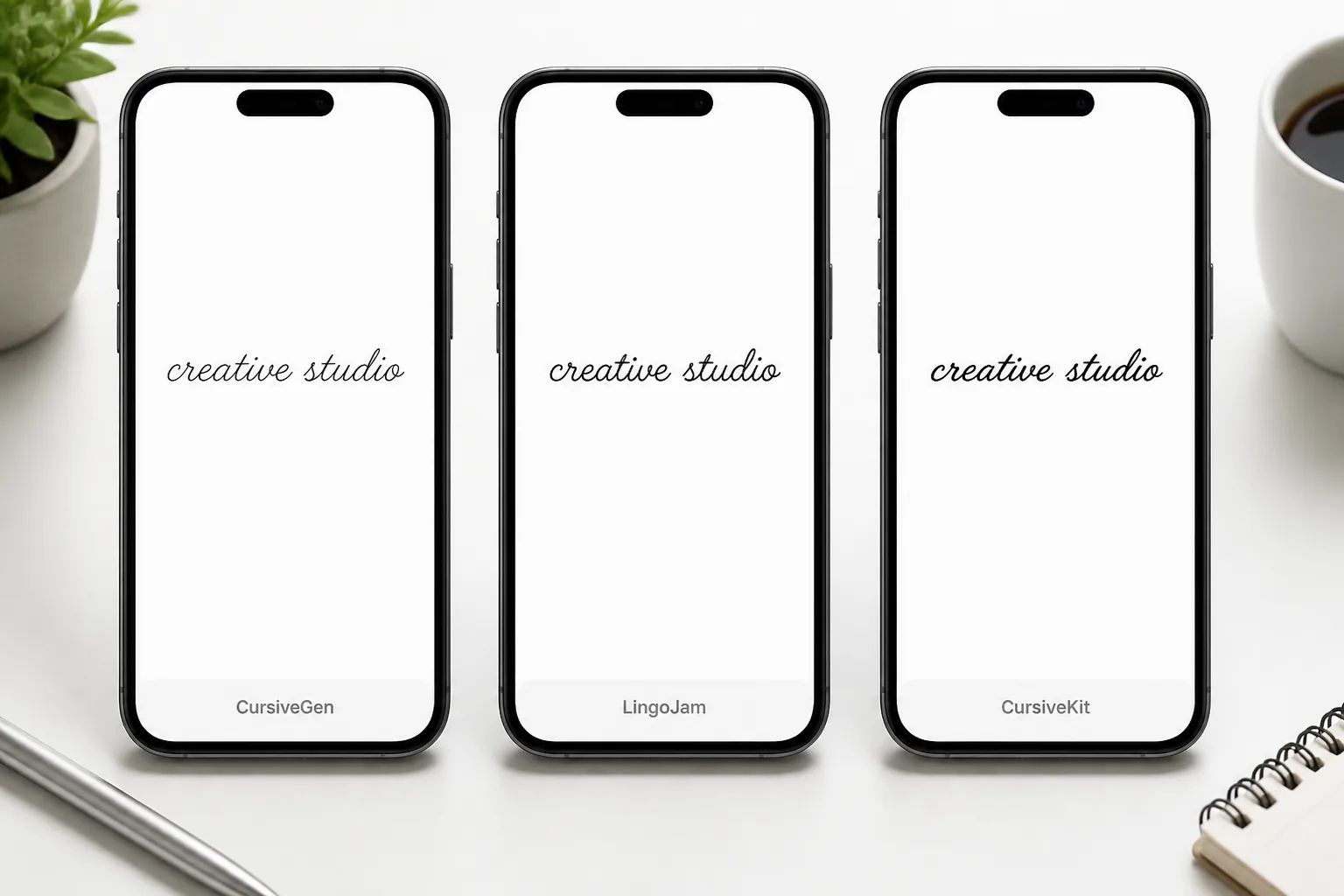
A free online tool that converts plain text into Unicode script characters (like 𝓬𝓾𝓻𝓼𝓲𝓿𝓮) you can copy and paste anywhere — Instagram bios, TikTok captions, WhatsApp, Discord — with no font install. CursiveGen also exports 10 real handwriting fonts as PNG/PDF for printing.
Is a cursive maker the same as a cursive generator?
Yes — people use both phrases for the same job. Type words, get script. CursiveGen splits that into Unicode copy-paste for bios and a handwriting exporter that outputs PNG/PDF.
What is a cursive font generator?
A cursive font generator renders real script fonts (not Unicode symbols) as an image you can download. Use this page for PNG/PDF handwriting; use the Unicode Font Generator when you need pasteable bio text.
Can I use this as a cursive name or word generator?
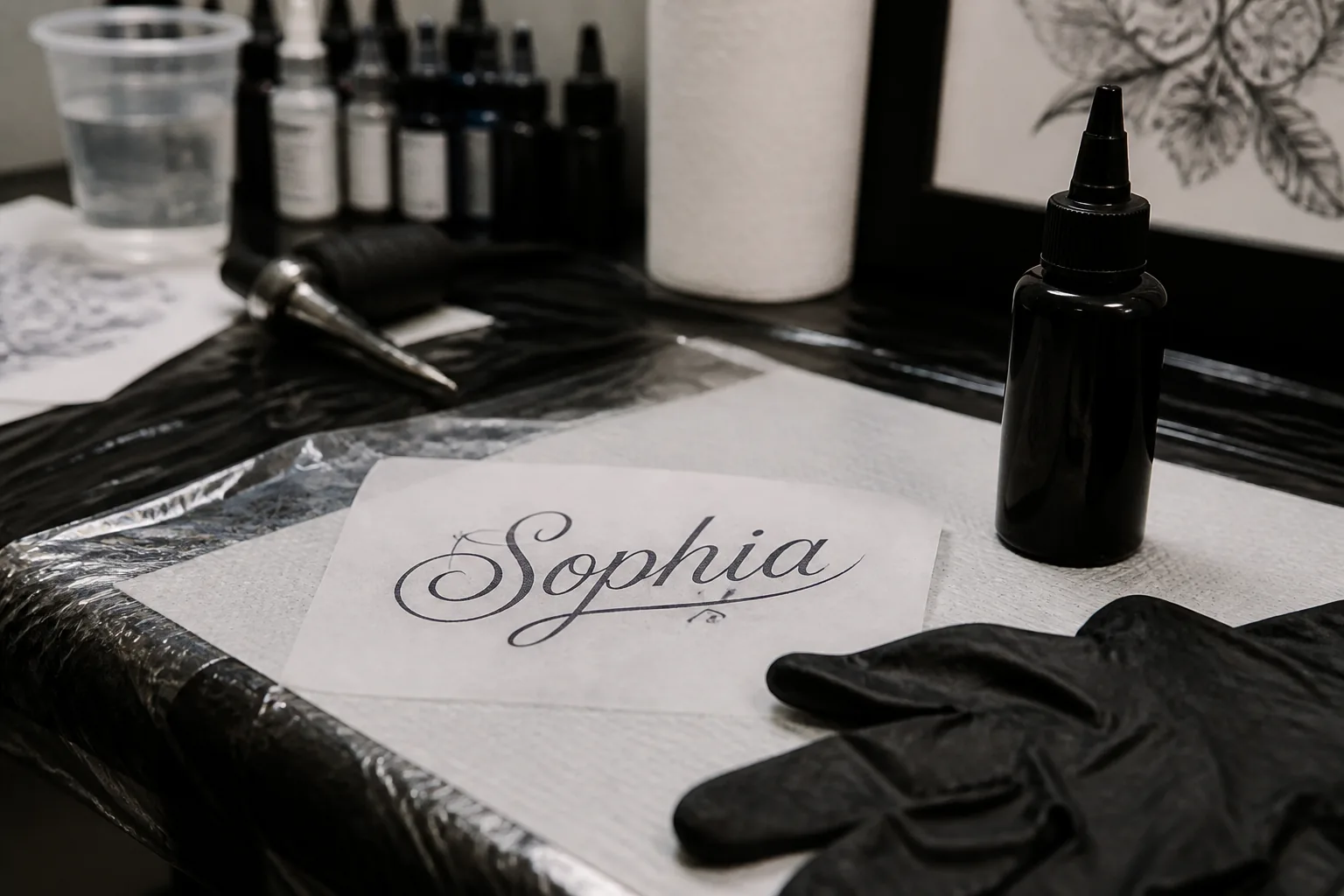
Type any name or word above. Download PNG/PDF for print, tattoos, or worksheets. For an Instagram-ready name, copy Bold Cursive from the Unicode tool instead.
Can I use the text I generated on Instagram?
For bios and captions, use the Unicode Font Generator. Image exports from this page are better for posts, stories, and print — not the bio field.
Does cursive text work on iPhone?
Yes. Bold Cursive and Standard Cursive render reliably on current iOS Safari and the Instagram app. Ornate styles like Fraktur are riskier on older Android, not iPhone.
Can I use cursive text in my Instagram username?
Often no. Instagram usernames are tightly restricted. Bios and captions accept Unicode cursive; usernames usually reject fancy symbol ranges. Test before you commit.
What's the difference between a cursive font and cursive Unicode text?
Unicode replaces letters with Mathematical Alphanumeric Symbols you can paste into apps. A cursive font embeds glyphs in a PNG/PDF — reliable for print, useless inside a bio field.
Why does my cursive text show as boxes on my phone?
Copy-paste cursive uses Unicode Mathematical Alphanumeric Symbols (U+1D400–U+1D7FF). Boxes mean the device font lacks those glyphs. Switch to Bold Cursive — it rendered on 96%+ of devices in our July 2026 test set.
Do cursive Unicode characters affect screen readers?
Sometimes. Screen readers may announce mathematical alphanumeric characters awkwardly. For accessibility-critical text, prefer plain letters or image alt text describing the content.
Does cursive Unicode text work on Discord / WhatsApp?
Yes for Bold/Standard Cursive on modern clients. Discord nicknames are limited to 32 characters; WhatsApp About is ~139. See our Discord and WhatsApp guides for limits.
How can I download my cursive text?
On the handwriting tool: pick a font, then tap PNG or PDF. Nothing uploads to our servers.
How do I make a printable cursive worksheet for my kid?
Use the Worksheet Generator — enable lined paper, type practice words, export PDF, print.
Is there a cursive signature generator for email?
Yes — the Signature Generator exports transparent PNG signatures for mail clients and docs.
Are schools still teaching cursive?
Many districts are bringing it back for motor skills and literacy. Teachers use our worksheet tool for custom practice sheets.
Is cursive text safe to copy and paste?
Yes. It's just characters — no scripts or trackers. Conversion runs in your browser.
Fraktur or Bold Cursive — which should I use?
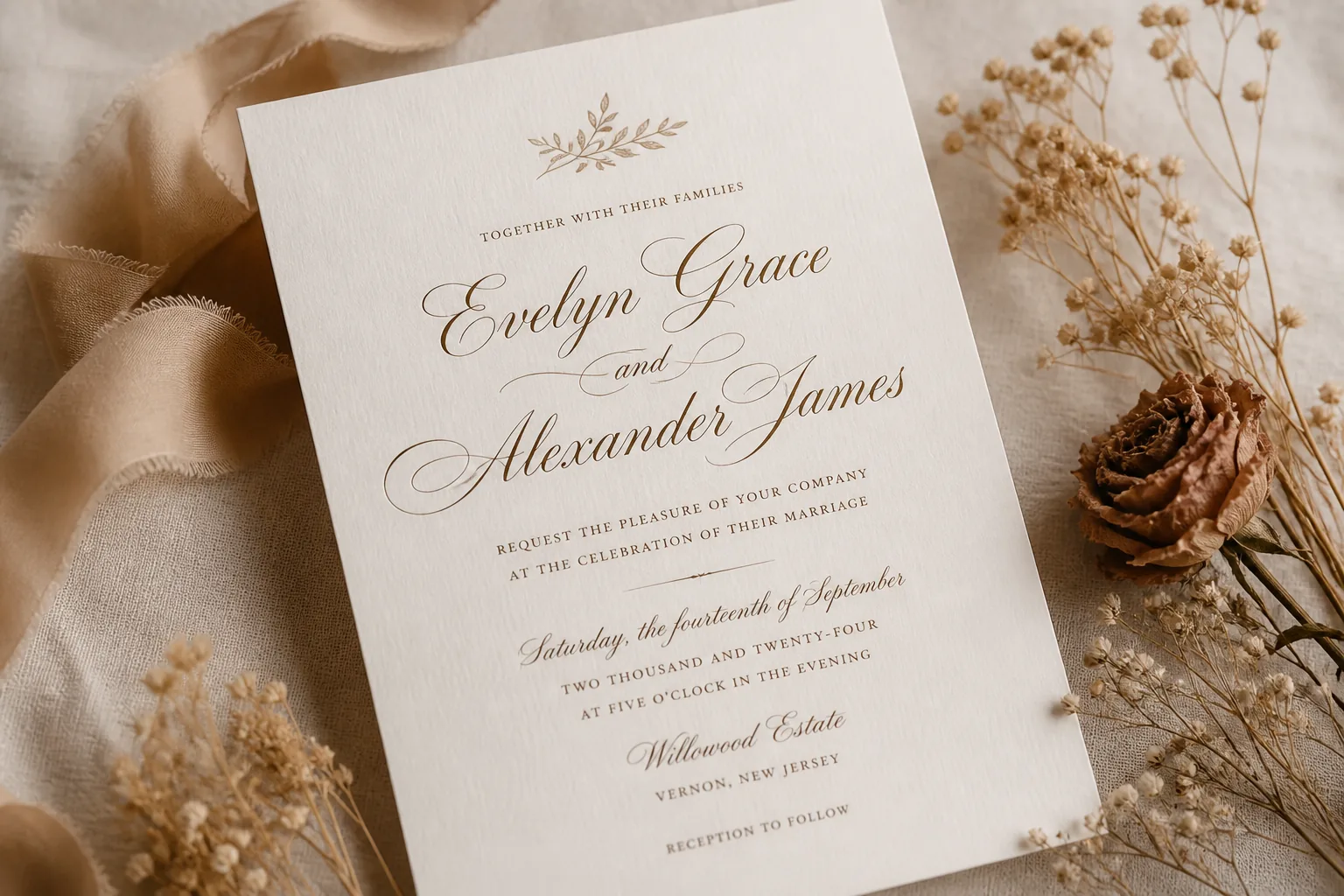
Bold Cursive for social bios. Fraktur looks sharp on a wedding invite PDF and fails often on older Android chat apps — we almost didn't ship it for that reason.
What is the best way to use a cursive generator for Instagram?
Use the Copy & paste tab, pick Bold Script for the most reliable look, paste into your bio, then check it on a second phone. Instagram counts each styled letter as a character, so styled text uses your 150-character bio budget faster.
Why does my cursive text show boxes?
Some phones lack fonts for Unicode Mathematical Script letters. Switch to Bold Script, or export a PNG, which always looks the same because the letters are an image.
Is copy-paste cursive real cursive?
No. Each Unicode letter is a separate symbol, so letters do not join. For joined handwriting use the PNG/PDF export or a school-style worksheet.
Can I use the PNG or PDF commercially?
The 10 export fonts are Google Fonts under the Open Font License, which allows commercial use; check each font's page if you resell the font itself.
Does CursiveGen store my text?
No. The text is processed in your browser and is not sent to our servers (see the Privacy Policy).