Quick answer: Open the handwriting worksheet generator, type one letter or word per line (or load A–Z), pick 3-line or 4-line paper, fade the model, download PDF. 10 handwriting fonts. No signup.
What a worksheet generator is (and is not)
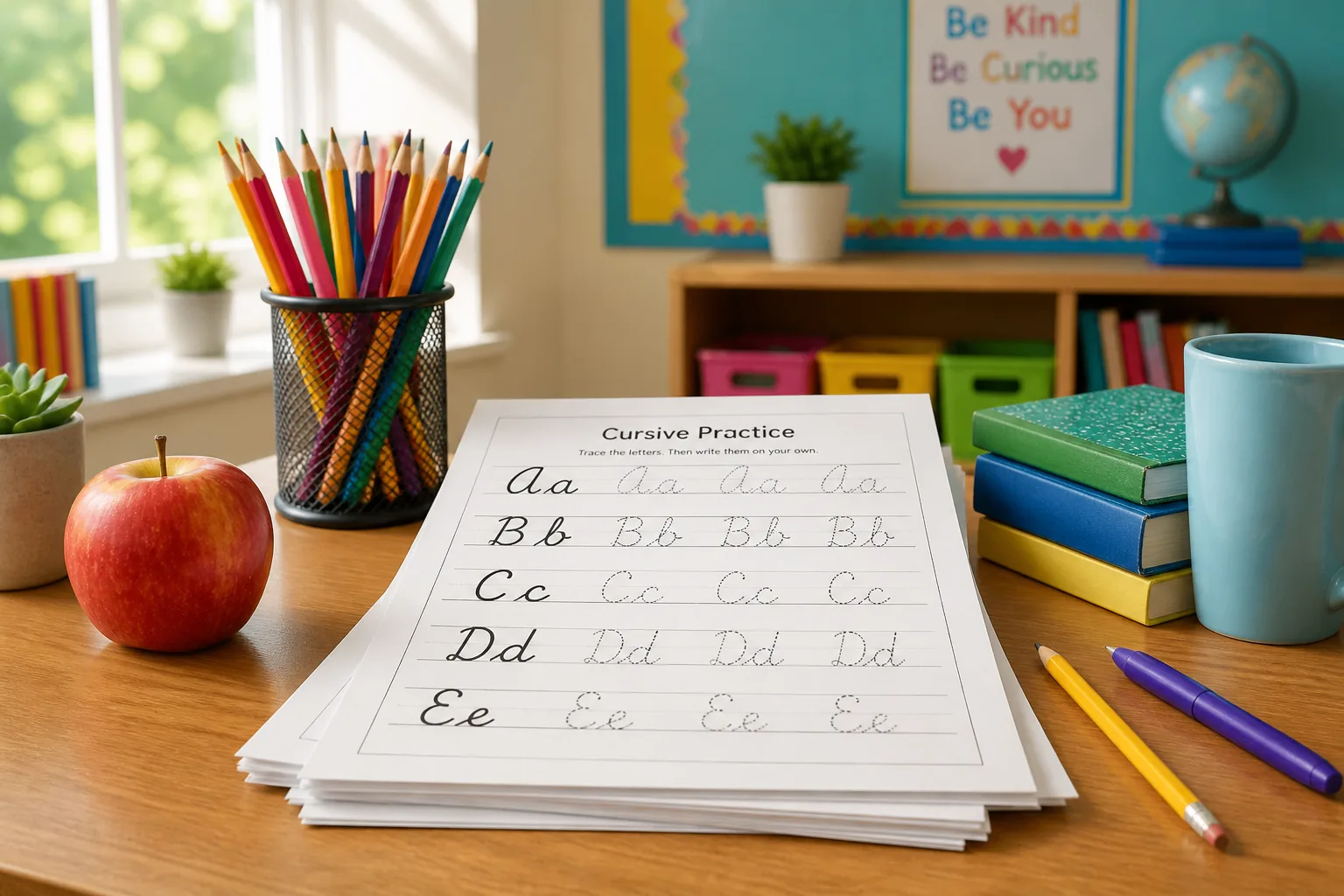
A handwriting worksheet generator builds a tracing page from text you control: spelling lists, names, this week’s letters. The output is a font on lined paper. It is not a photocopied packet from 2014, and it is not the copy-paste script on the homepage.
CursiveGen already ships the app at /tools/worksheet-generator. This post exists because people search the tool name and land on font lists. Use the tool. Use the teacher pillar for sequencing. Use this URL for the click-path and the mistakes.
Five clicks to a printable sheet
- Open the generator on a laptop you can print from. Chromebooks are fine. Phone screens are a preview, not a class set.
- One item per line. A letter, a word, or a short sentence. The faded model follows that line. Dumping a paragraph on one line makes a poster, not a tracing drill.
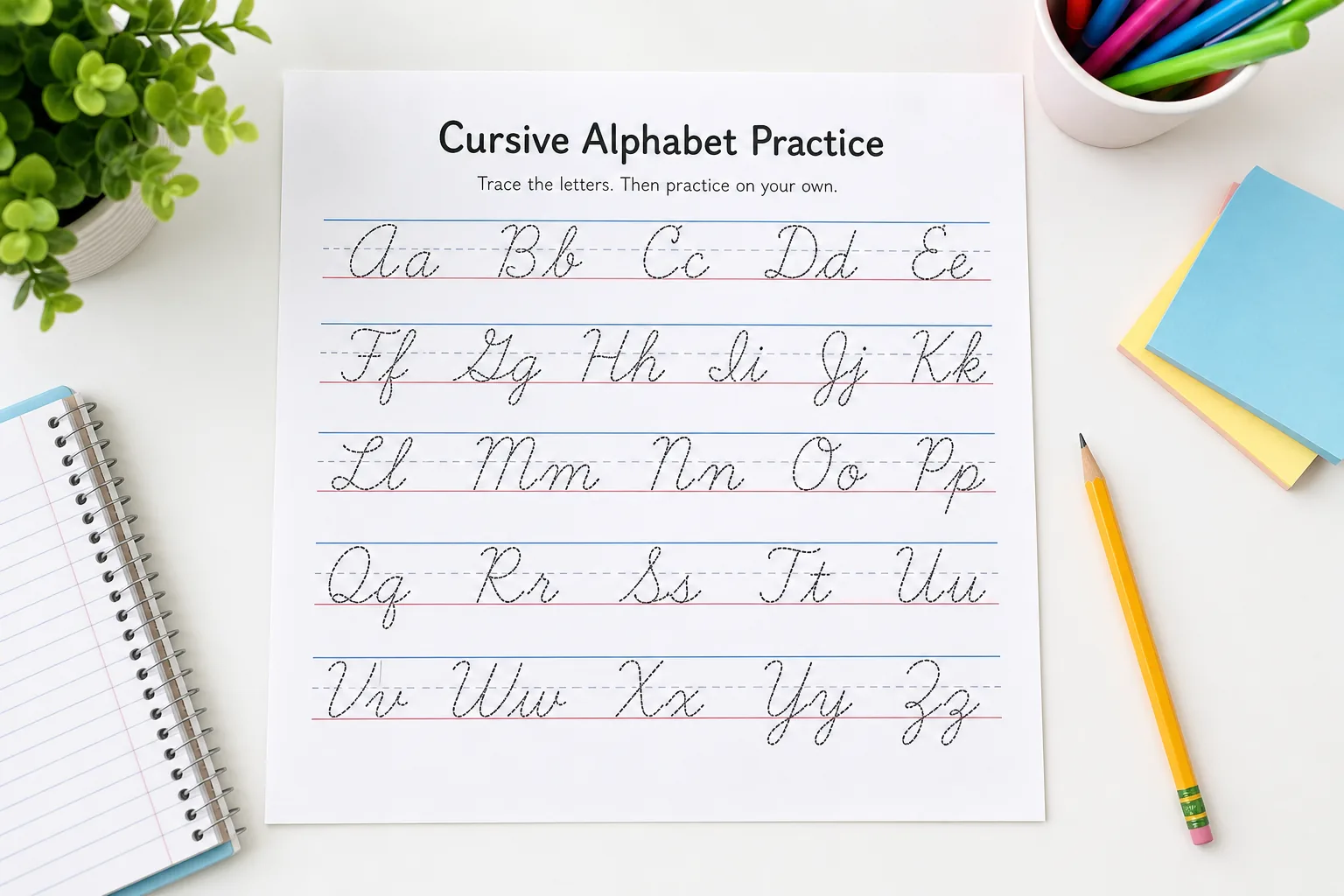
- Load A–Z when you want an alphabet sheet. Then delete letters you already taught if the page is too busy.
- Paper: 3-line for x-height; 4-line when descenders (g, j, p, q, y) need a basement. Solid or dotted once students stop needing the model to be obvious.
- Export PDF for the copier. PNG if the sheet is going onto a slide, not into backpacks.
Tune opacity before you print twenty-eight copies. Beginners need a darker ghost letter. Independent tracers need a whisper. Size up for first grade; size down only when the line height still matches the paper.
Font choice that does not fight the lesson
Start readable (Caveat, Dancing Script). Move to formal scripts (Great Vibes, Allura) after motor control exists. Preview shapes in the alphabet library so you are not surprised by a capital Q that looks like a 2.
Do not mix this with Unicode bold-script for Instagram. Those code points are for bios. They are not pencil models. If a student needs copy-paste text, that is a different generator. This one is paper.
What to type this week
- Letter families: ovals (a, c, d, g, o, q), then upstrokes, then waves — the same sequence as the teacher pillar.
- Name practice: one name, high fade, then the same name on solid lines.
- Spelling list: this week’s words, not a 50-word dump. Fatigue wrecks joins.
- One sentence: only after single letters are stable. A sentence on 3-line paper is a lot of midlines to miss.
Kids-focused prompts and age notes live on the kids worksheet guide. Alphabet drill without the generator UI is the alphabet practice guide.
Classroom habits that keep the tool useful
Generate on Sunday. Print once. Do not rebuild the PDF during the mini-lesson. Save the text list in a doc so next year is paste-and-fade, not retyping.
The generator does not store student names on our server — processing stays in the browser. Still follow your school’s rule about putting children’s names on worksheets that go home. Optional practice is a PDF in a folder, not a required Unicode bio.
If the copier eats descenders, you picked 3-line for g and y. Switch to 4-line. If letters crash into each other, the font size is too large for the line or you put two words on one tracing line.
Related
- Worksheet generator (the tool)
- Teacher pillar: sequences and line styles
- Kids worksheet guide
- Handwriting image exporter for posters, not tracing packets
FAQ
What is a handwriting worksheet generator?
A tool that turns typed letters or words into printable tracing sheets — faded model handwriting on lined paper, exported as PDF or PNG. CursiveGen’s generator runs in the browser and does not store student names on a server.
Is the handwriting worksheet generator free?
Yes. Unlimited PDF and PNG downloads, no signup. Follow your school’s printing and student-data policies; the tool itself does not create student accounts.
Can I make alphabet tracing sheets?
Yes. Load A–Z or type one letter per line. Pair the sheet with the alphabet library so students see a static model of the same font.
Print vs Unicode cursive — which is this?
This is font-based handwriting on a page. Copy-paste Unicode “cursive” for Instagram is a different tool. Do not send a bio font as a tracing worksheet.
Where is the tool?
Open the free worksheet generator. This article is the how-to, not a second copy of the app.