Quick answer: Use the worksheet generator to create faded tracing lines in 10 handwriting fonts, export PDF, and sequence letters by stroke family. Pair with the alphabet library for visual models.
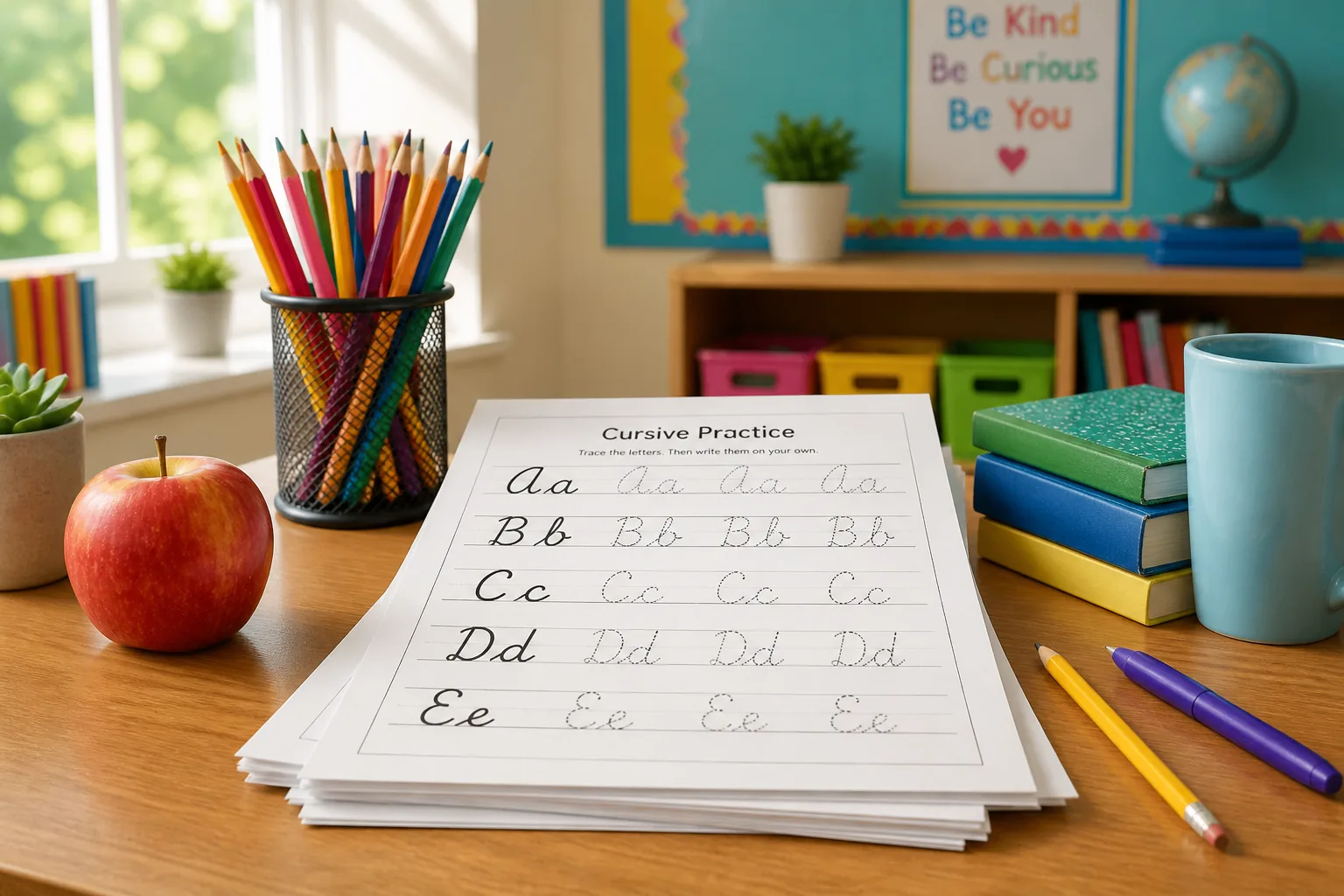
Why generate instead of photocopy forever
Static packets go stale. Generators let you customize spelling lists, names, and vocabulary from your current unit. CursiveGen keeps processing in the browser — type, style, download.
Recommended classroom sequence
- Week 1–2: ovals — a, c, d, g, o, q (one letter per sheet)
- Week 3–4: upstrokes — b, h, k, l, t
- Week 5–6: waves — m, n, v, w, x, y, z
- Week 7+: short words, then sentences on solid lines
Line styles that match developmental stages
- 3-line: beginners learning x-height
- 4-line: descenders (g, j, p, q, y)
- Solid / dotted: intermediate independence
Font choices for legibility
Start readable (Caveat, Dancing Script). Move to formal scripts (Great Vibes, Allura) once motor control improves. Preview letter shapes in the alphabet library before printing a class set.
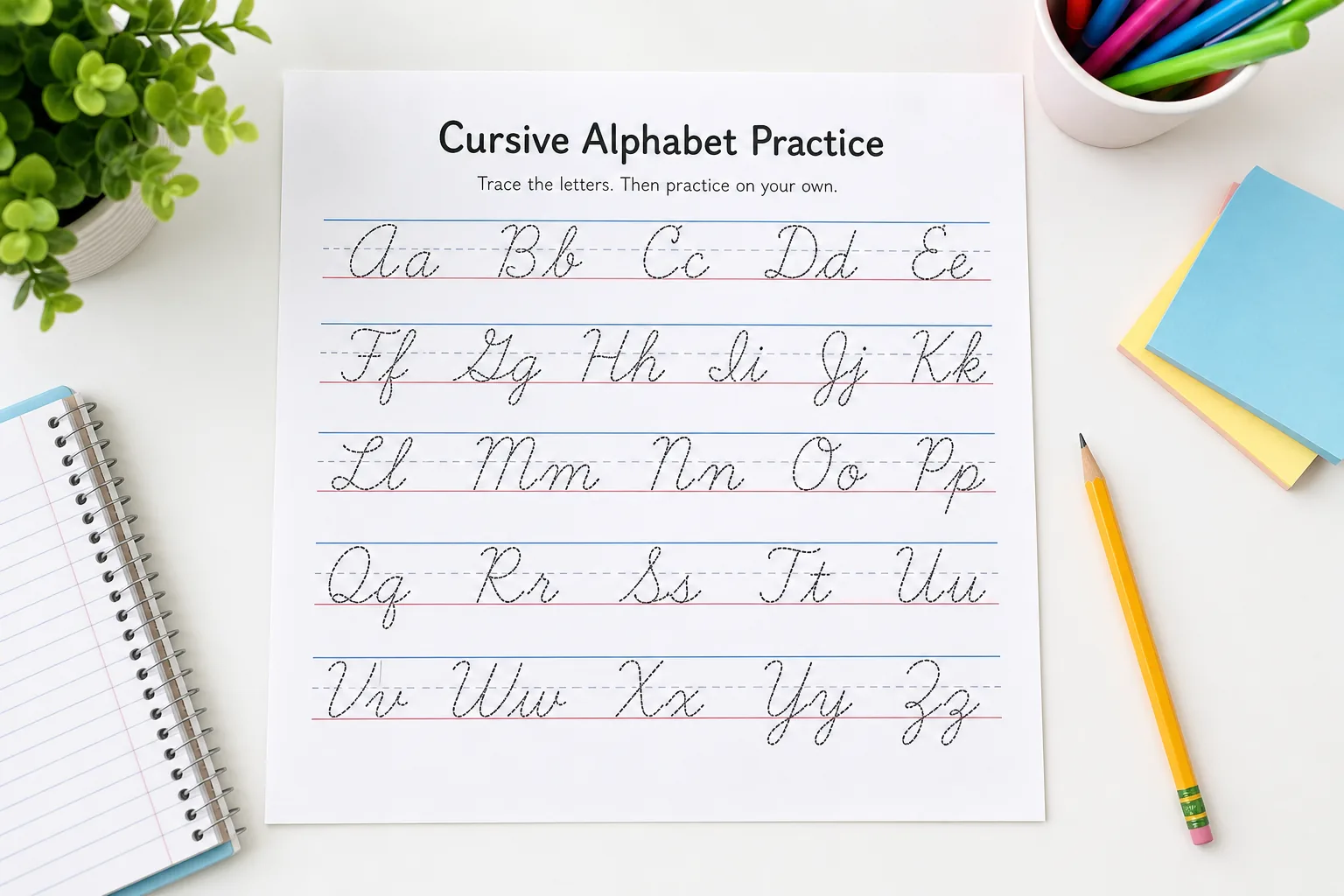
Differentiation tips
- Lower opacity for advanced tracers; higher for beginners
- Larger font size for early elementary
- Name practice sheets for engagement
- Send PDF home for optional practice — never require Unicode bios for homework
Related teacher resources
- Worksheet generator tool
- Kids worksheet guide (when live)
- Alphabet practice guide
- Handwriting image exporter for posters
Printing a class set without wasting ink
Export PDF at letter or A4, duplex if your copier supports it. Use medium opacity for tracing lines so toner lasts longer than solid gray fills. Store masters digitally by unit (“Week 4 upstrokes”) instead of re-scanning paper each year. If your district requires accessible PDFs, add alt text in Acrobat for any decorative header images you paste above worksheets.
Aligning with standards and IEPs
When cursive is optional in your state standards, position sheets as motor-skills enrichment rather than graded penmanship unless policy requires otherwise. For IEP accommodations, increase font size and line spacing in the generator before export — the same word list can produce two PDFs from one typing session. Never require students to paste homework into social apps as proof of practice.
Unicode in the classroom (what to avoid)
Unicode cursive is for nicknames and posters typed on screens, not for graded handwriting samples. Students who paste Bold Cursive into Google Docs may see different glyphs at home versus school Chromebooks. Teach the distinction explicitly; link Unicode vs font-based cursive for interested parents.
Substitute teacher packets
Leave a one-page PDF with the week’s letter focus, opacity setting, and font name so subs can reprint if sheets run out. Link the live worksheet tool URL with a prefilled query string for the spelling list so anyone with browser access can regenerate without your login — there is no login on CursiveGen.
Post the same PDF to your LMS as a download-only file if students lack printers at home; optional practice should never require a social media account or Unicode paste homework.
FAQ
Are CursiveGen worksheets free for classroom use?
Yes. Teachers and parents can generate unlimited PDF/PNG worksheets with no signup. Always follow your school’s policies for printing and student data — the tool itself does not store student names on a server.
Which font should teachers start with?
Caveat or Dancing Script for early elementary readability; Great Vibes or Allura for older students practicing formal script. CursiveGen includes 10 handwriting fonts.