Free Online Signature Generator

Create a beautiful, realistic digital signature in seconds. Our free tool offers 10+ elegant cursive styles, custom ink colors, and high-resolution exports. Perfect for documents, branding, and professional correspondence.

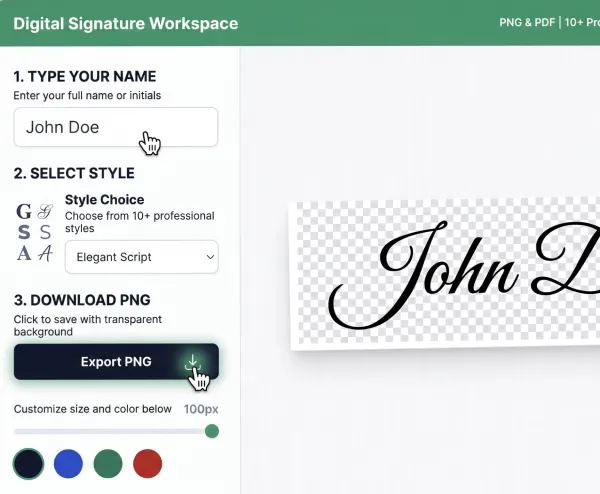
Digital Signature Workspace

PNG & PDF 100% Free
John Doe

Professional Online Signature Generator — Create E-Signatures Instantly

Professional online signature generator showing realistic handwritten e-signatures

In today's digital-first economy, the ability to sign documents electronically is more than just a convenience—it's a requirement. Our Online Signature Generator is the premier tool for creating realistic, professional-looking handwritten signatures in seconds. Whether you need to sign a legal contract, a digital lease, a business email, or a creative project, our signature font generator provides a seamless and secure way to create a digital version of your unique autograph.

Unlike generic tools, our signature creator focuses on the nuances of human handwriting. We've curated a selection of professional script fonts that capture the flow, pressure, and personality of real penmanship. With customizable colors, sizes, and high-resolution export options, our signature generator ensures your digital signature looks as authentic as if you had signed it with a fountain pen on physical paper.

How to Use the Online Signature Generator

We've streamlined the signature creation process into four simple steps. Here is how you can generate your professional signature right now:

Creation Guide

  • 1 Type Your Name — Enter your full name or initials into the input field at the top of the generator.
  • 2 Select Style — Choose from 10+ professional styles that represent your professional persona.
  • 3 Download PNG — Click the "Export PNG" button to save your signature with a transparent background.

Where to Use

  1. 01. Digital Contracts: Insert into PDFs, Word documents, or Google Docs.
  2. 02. Email Signatures: Add a personal handwritten touch to your sign-offs.
  3. 03. Photos & Art: Use as a professional watermark for your creative work.

Choosing the Right Signature Style

Your signature is a reflection of your identity. Our Online Signature Generator offers a variety of styles to suit different needs:

  • Formal Script: Clean, deliberate strokes for corporate documents and legal contracts.
  • Casual Handwriting: Relaxed, flowing style for personal letters and informal agreements.
  • Artistic Calligraphy: Features ornate flourishes for designers and creative professionals.
  • Minimalist Initials: A sleek initial-based signature for modern branding.

Many users wonder if a signature created with an Online Signature Generator is legally binding. In most developed nations, including the United States (under the ESIGN Act) and the European Union (under the eIDAS regulation), electronic signatures carry the same legal weight as traditional wet-ink signatures.

A digital signature is legally valid as long as there is an intent to sign, the signature is associated with the document, and the identity of the signer can be verified. Our tool provides the visual component of this process, which can then be used in conjunction with document management software to create legally enforceable digital contracts.

Security and Privacy of Your Digital Autograph

Security is our top priority. When you use our Online Signature Generator, all processing happens entirely within your browser. Your name and your generated signature are never sent to our servers, and they are never stored in any database. Once you download your signature and close the tab, all data is wiped from your session.

We do not require any registration or personal information. This makes our signature creator one of the most private and secure tools available on the web today.

Signature Generator FAQ

Is this signature generator free?

Yes, our Online Signature Generator is 100% free for everyone. There are no hidden fees, no subscriptions, and no limits on how many signatures you can create.

Can I use this signature for a passport or ID?

No. Official government documents usually require a physical ink signature. Our tool is intended for digital documents like contracts, emails, and artistic projects.

What file format is the signature saved in?

We export your signature as a **High-Resolution PNG with a transparent background**, as well as a PDF option.

What Is the Best Free Online Signature Generator?

A strong free signature generator lets you type a name, pick a realistic handwriting font, adjust ink color, and export PNG/PDF without signup. CursiveGen’s signature tool uses the same 10 script fonts as the handwriting exporter so e-signatures match worksheets and stationery you create elsewhere on the site.
How Do I Create a Cursive E-Signature for Documents?

  1. Enter your name in the Digital Signature Workspace above.
  2. Choose a formal script (Great Vibes, Allura) or casual hand (Caveat).
  3. Export PNG for email/Docs overlays or PDF for printing.
  4. Insert the file into your contract workflow — visual signature only; pair with proper e-sign intent where legally required.
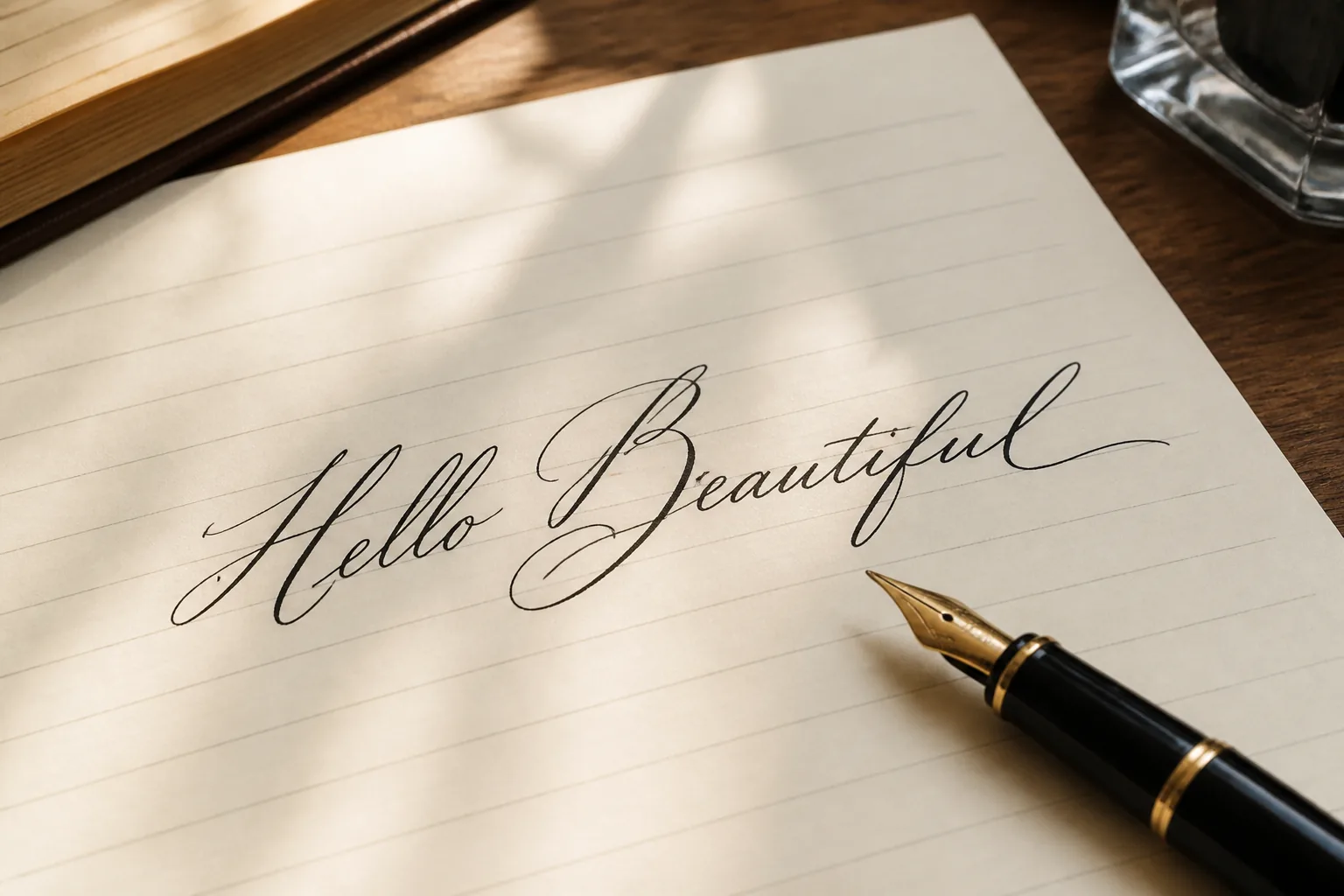
Illustrative handwriting export proof suitable for signature-quality script

Use cases beyond contracts

Creators watermark photo portfolios with a transparent PNG signature. Freelancers drop a consistent autograph into proposals. Teachers sign printable certificates generated beside our worksheet generator. Couples reuse the same script family from the wedding invitation tool so thank-you notes feel matched. None of these flows require Unicode paste — they need locked letterforms from real fonts.

If you only need a fancy Discord nickname, skip this page and open the Unicode generator instead. Keeping those paths separate is how CursiveGen avoids the “boxes in my bio” support nightmare that pure font tools create when people try to paste CSS fonts into Instagram.