A cursive image generator turns typed words into downloadable script graphics — not just fancy Unicode you hope survives Instagram. This guide covers PNG/SVG export, copy-and-paste fallbacks, and lettering previews for tattoos and worksheets.
For authoritative background, see Unicode character charts. Practice live on CursiveGen free cursive generator.
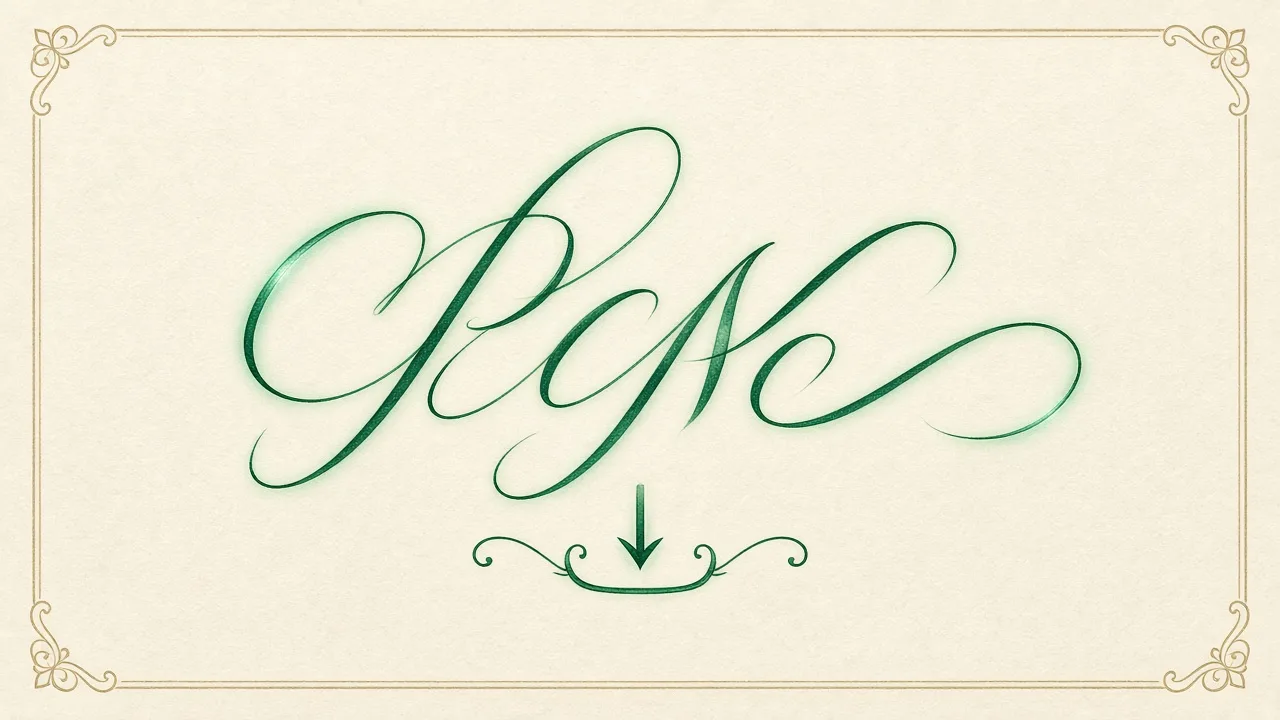
Text Generators vs a True Cursive Image Generator
Unicode cursive is still text. A cursive image generator rasterizes or vectors the strokes so spacing, slant, and stroke weight stay intact when you upload to Canva, Teachers Pay Teachers, or a tattoo stencil app.
Use Unicode when you need bio paste. Switch to a cursive image generator when the platform strips fancy characters or when you need transparent backgrounds.
Hybrid workflow: draft in the text tool, then render the final line with a cursive image generator so clients approve the exact art.
7 Best Free Export Habits for Clean Script PNGs
Export 2× resolution. Keep a transparent canvas. Avoid JPEG for thin strokes. Name files with the phrase cursive image generator so assets stay searchable on shared drives.
Check contrast on dark and light mockups. A cursive image generator that looks elegant on white can vanish on a navy invitation.
Save an SVG when your cursive image generator offers vectors — tattoo artists and vinyl cutters prefer paths over pixels.
Copy and Paste Cursive as a Backup Path
Searchers still want “cursive text generator copy and paste.” Keep that path, but explain when paste fails and the cursive image generator must take over.
Teach students to paste into a plain-text buffer first. If letters collapse to boxes, regenerate with the cursive image generator instead of fighting the app.
For LMS bios, test once on student accounts. Many school filters block Unicode; images from a cursive image generator pass more often.
Tattoo Lettering Previews Without Guesswork
Tattoo lettering generator queries overlap this topic. Use the cursive image generator to print stencil-sized proofs at actual body scale before booking ink.
Widen kerning for future ink spread. A cursive image generator that packs letters tightly looks stylish on screen and muddy on skin five years later.
Export both mirror and normal orientations if the artist needs a transfer. Label files clearly so the cursive image generator output is not flipped by accident.
Classroom Worksheets and Name Art
Teachers generate name tags and tracing sheets. A cursive image generator with lined backgrounds saves hours versus handwriting forty cards.
Keep stroke thickness thick enough for pencil tracing. Ultra-thin display scripts from a cursive image generator frustrate beginners.
Print grayscale proofs first. Color ink hides stroke errors that a cursive image generator preview already revealed on screen.
For a seasonal project, see how to export a printable Merry Christmas card in cursive or a Happy Birthday in cursive card.
File Formats, DPI, and Platform Quotas
Instagram compresses aggressively. Upload the largest PNG your cursive image generator allows, then check the post on mobile before publishing.
Email newsletters often downscale. Host the cursive image generator file on your site and link out if quality matters.
Accessibility: add alt text that includes the actual words, not only “cursive image generator output,” so screen readers announce the message.
Ethics: Font Licensing and Likeness
Confirm the cursive image generator fonts are licensed for commercial worksheets or client tattoos. Free personal-use fonts are not automatically safe for TPT shops.
Do not claim celebrity handwriting. A cursive image generator creates original digital script, not a forged signature.
Credit the tool when required by its terms. Linking back also helps readers find the same cursive image generator you used.
Quick Workflow From Idea to Download
Type the phrase → pick slant and weight → preview → export PNG/SVG → archive the source text. That loop is the entire cursive image generator habit worth teaching.
Store a style preset for your brand. Repeating the same cursive image generator settings keeps a classroom or shop visually consistent.
When stuck, fall back to Unicode paste, then return to the cursive image generator for the final deliverable.
Write the dates, numbers, or steps on paper so you are not relying on memory when the next form or puzzle appears.
Short paragraphs help skimmers. Keep each idea to a few sentences, then move on to the next concrete example.
If a claim cannot be checked against a primary source or a live tool on this site, treat it as opinion until you verify.
Teachers, parents, and solo learners can use the same sequence; only the stakes and the time box change.
Document your result with a screenshot or notebook line so you create a personal reference that outlasts one search session.
Frequently Asked Questions
What is a cursive image generator?
A tool that renders cursive script as a downloadable image (PNG/SVG) instead of only Unicode text.
Can I still copy and paste cursive?
Yes for bios and chats. Use a cursive image generator when platforms strip Unicode or you need transparent graphics.
Is it good for tattoo lettering?
Yes — export stencil-sized proofs and widen spacing for ink spread.
Do I need to install fonts?
No. Browser-based cursive image generator tools draw script without local font installs.
PNG or SVG?
PNG for social posts; SVG when cutting machines or tattoo software need vectors.
A practical checklist for cursive image generator beats a slogan: define the term, show the math or steps, then list the caveats.
When you cite cursive image generator in notes or lesson plans, keep the same phrasing so searchers and students land on the same idea.
If a claim about this topic cannot be checked against a primary source or a tool on this site, treat it as opinion until verified.
Bookmark this page if this topic is part of your weekly workflow; return after you test one tip live.
Teachers, parents, and solo learners can share the same sequence for this topic; only the stakes change.
Short paragraphs help skimmers, so each point about this topic stays focused and dated where prices or rules matter.
After you finish a section on this topic, jump to the related tools linked below and apply one idea immediately.
A practical checklist for this topic beats a slogan: define the term, show the math or steps, then list the caveats.
When you cite this topic in notes or lesson plans, keep the same phrasing so searchers and students land on the same idea.
If a claim about this topic cannot be checked against a primary source or a tool on this site, treat it as opinion until verified.
Bookmark this page if this topic is part of your weekly workflow; return after you test one tip live.
Teachers, parents, and solo learners can share the same sequence for this topic; only the stakes change.
Short paragraphs help skimmers, so each point about this topic stays focused and dated where prices or rules matter.
After you finish a section on this topic, jump to the related tools linked below and apply one idea immediately.